
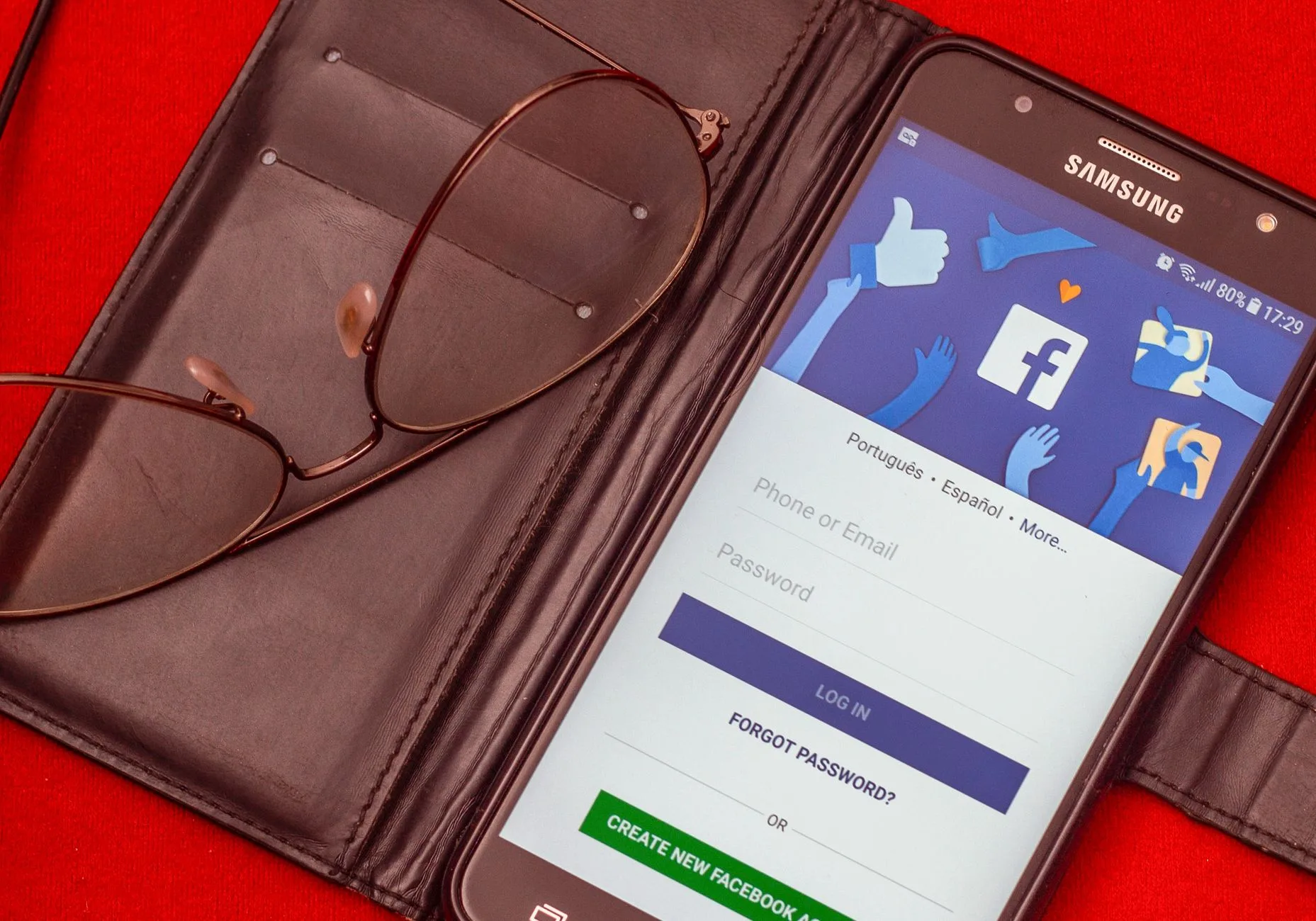
Why Business Social Media Accounts Are a Security Risk
Business social media accounts tend to grow without much planning. One employee sets up the Facebook Page, someone else links Instagram, and an outside agency is later brought in to run advertising. Meanwhile, your LinkedIn Page might still be tied to a former staff member, and the recovery phone number on another account belongs to someone who left years ago.
Nothing looks broken, so nobody checks — until an employee leaves, an agency relationship ends, or someone gets an unexpected password-reset alert. At that point, you may discover that nobody knows which email address owns the account, who has full control, or how to get back in.
A compromised social media account can be used to publish scams, send fraudulent messages, access private conversations, or drain a connected advertising account. Even if you fix it quickly, customers may have already seen content that appeared to come from your business.
The best time to sort this out is before any of that happens.
Start With an Inventory of Every Account
List every social media account your business owns or manages — company pages, regional accounts, old campaign profiles, YouTube channels, and advertising accounts. For each one, record:
- The platform and profile name
- The business owner and current administrators
- The recovery email address and phone number
- Any connected advertising or payment account
- Agencies, contractors, scheduling tools, or other apps with access
Store this list somewhere your business controls. Don’t include passwords in the document — those belong in a business password manager. Without this inventory, your IT provider has to dig through old emails and chase several people just to work out who can still sign in.
Keep Ownership Under the Business’s Control
If an employee created an account using their personal email or mobile number, the business is in a vulnerable position the moment that person leaves. Check that recovery email addresses and phone numbers belong to the business and will still exist when staff change.
Use a monitored business address — something like a dedicated marketing or admin inbox — rather than one employee’s personal account. Protect that mailbox with MFA and limit access to the people responsible for account recovery. Store recovery codes in a business password manager, not on someone’s personal device.
Give Each Person Their Own Access
If multiple employees manage the same account, they shouldn’t all share one login. Most major platforms support individual role-based access:
- Facebook Pages allow full, partial, or task-specific access per person
- LinkedIn Pages assign permissions to individual member profiles
- X (Twitter) offers a Delegate feature with administrator and contributor roles
- YouTube supports channel permissions through individual Google accounts
This means you can remove one person without disrupting everyone else, and you have a clearer record of who did what.
Match Access Levels to Each Person’s Role
Someone who schedules posts doesn’t need permission to add administrators or manage payment methods. Give each person the lowest level of access that still lets them do their job. Be especially careful with full administrator access — on Facebook, for example, someone with full control can remove other admins or delete the Page entirely.
Review permissions whenever someone changes roles. It’s common to find former marketing staff still listed as administrators simply because nobody removed them.
Require MFA for Everyone With Access
A password can be stolen through phishing, malware, or credential reuse. MFA adds a second check before anyone can sign in.
Require MFA for every employee, contractor, and agency account that can manage your business pages — including people who only post content, since their account can still be used as a way in.
The Australian Signals Directorate (ASD) recommends protecting the email address linked to a social media account with MFA. Where possible, use phishing-resistant methods like passkeys or security keys. An authenticator app is a solid alternative. SMS codes still offer more protection than a password alone, but they’re more vulnerable to SIM-swapping than app-based options.
If someone receives an MFA prompt when they aren’t signing in, they should reject it and report it immediately.
Watch Out for Fake Support Messages
Social media administrators regularly receive messages claiming their page has violated a policy, lost verification, or needs to confirm its identity. Many of these are phishing attempts designed to steal credentials or trick someone into adding a fake support contact as an administrator.
Check the platform directly through its official app or website — not through a link in a message or email. Never share a password, verification code, backup code, or authenticator code with anyone claiming to offer support. As the ASD noted in April 2026 guidance, legitimate platforms will not ask for those details.
Review Connected Apps and Remove Stale Access
Scheduling tools, analytics platforms, and advertising software can hold permissions to publish content, read messages, or manage your ad account. If one of those services is compromised, an attacker may be able to act on your behalf without needing your password.
Review connected applications in each platform’s security settings. Remove anything the business no longer uses, and check what permissions the remaining tools actually need. A reporting tool should only need analytics access — not the ability to publish posts.
Social media access should also be part of your standard offboarding process. When someone leaves, remove their page roles, advertising permissions, delegated access, and access to any connected tools. Check each platform separately — removing someone from one doesn’t automatically remove them everywhere else.
Have a Recovery Plan Ready Before You Need It
Write down your incident response process before something goes wrong. The plan should cover:
- Who contacts the platform to report the compromise
- Who secures the linked email account
- Who can approve a public statement if customers received fraudulent messages
Keep links to official platform recovery pages in your account register so nobody ends up on a fake support site in a panic.
If you believe an account has been compromised, use a trusted device to change the password, end any unfamiliar sessions, and check whether the attacker added administrators, changed recovery details, or connected a new app. Secure the linked email account at the same time — if the attacker still controls the recovery inbox, they can take the social account back even after a password reset.
Review Regularly
Check ownership, administrators, connected apps, recovery details, and advertising permissions at least a few times a year — and repeat the review whenever someone leaves, changes roles, or you start or finish working with an outside agency.
You should be able to answer four questions without searching through old messages:
- Who owns each account?
- Who can access it?
- How is that access protected?
- What will you do if the account is taken over?
If those answers are documented and current, you’re in a much stronger position.
If you’re not sure who actually controls your business social media accounts — or you want someone to review your access and recovery setup — get in touch with The IT TechNinjas. We’ll help you lock things down before there’s a problem to fix.